> ## Documentation Index
> Fetch the complete documentation index at: https://docs.claim.me/llms.txt
> Use this file to discover all available pages before exploring further.
# Introduction
> Welcome to the claim.me technical documentation
 ## Share shipment data
The first step to working with claim.me is sharing your shipment data. We offer two options:
Ideal for multi-carrier setups and large shipment volumes.
Ideal for single-carrier setups.
## Start claiming
Once you share shipment data with us, you are ready to start claiming!
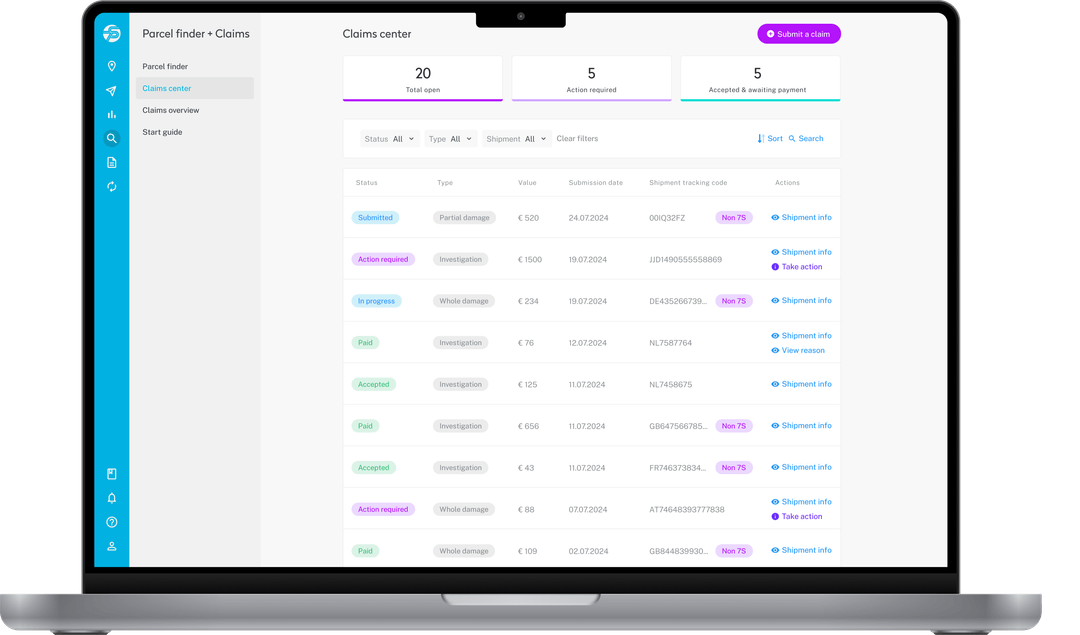
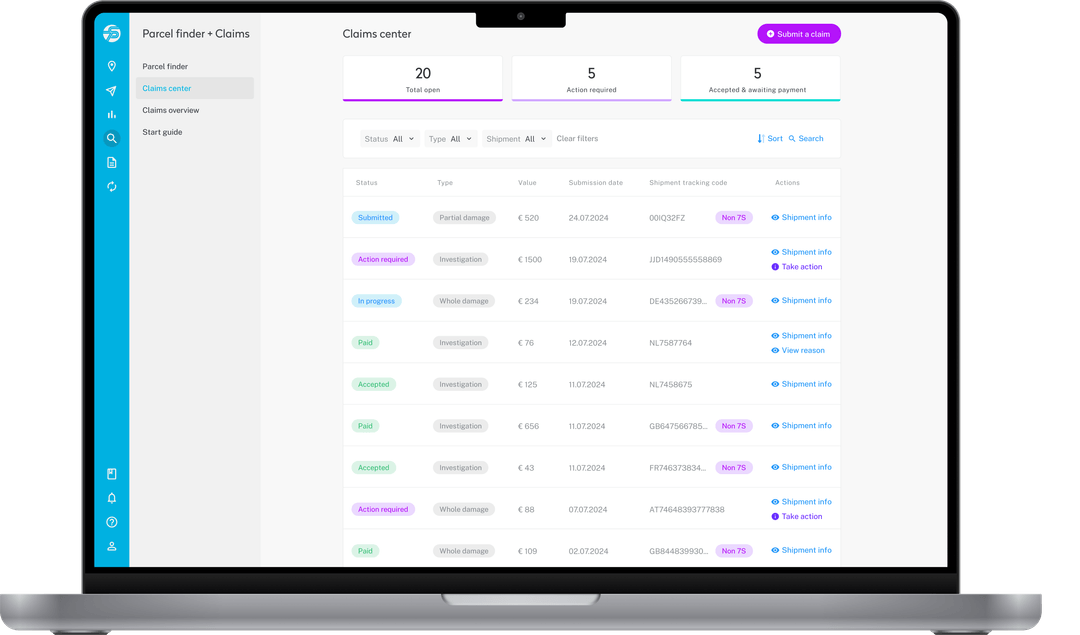
Onboard your CS agents to the Claim Center.
Integrate your consumer-facing experience with our tools.
## FAQs
Answer: This may be due to... Try the following:
1. xxx
2. xxx
3. xxx
Answer: xxx
## Share shipment data
The first step to working with claim.me is sharing your shipment data. We offer two options:
Ideal for multi-carrier setups and large shipment volumes.
Ideal for single-carrier setups.
## Start claiming
Once you share shipment data with us, you are ready to start claiming!
Onboard your CS agents to the Claim Center.
Integrate your consumer-facing experience with our tools.
## FAQs
Answer: This may be due to... Try the following:
1. xxx
2. xxx
3. xxx
Answer: xxx